How Build Dependencies Are Worked Out
The Build tab doesn’t ask you to draw a dependency chart. It reads the architecture you have already modelled — what each component contains, uses, and the data it reads and writes — and derives the build-and-test order from that.
Develop in Parallel, Test Together
Components don’t build one after another. Given agreed contracts, teams can develop many things in parallel. What has to wait is the integration test: a component can’t finish testing until the parts it depends on are themselves complete.
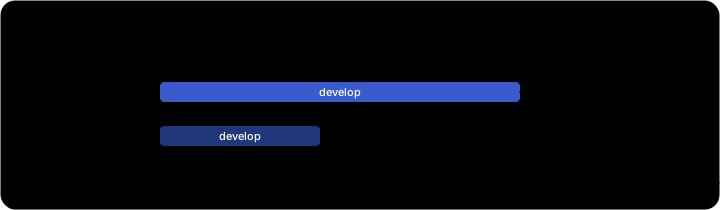
A component’s completion is the later of its own develop finishing and every part it integrates finishing. That’s why the timeline shows develop bars starting together but milestones landing in different waves.
Reading Data Means Depending on Whoever Writes It
The single most important rule for data-driven components:
A component that reads a data entity cannot complete its integration test until the component that writes that entity has completed.
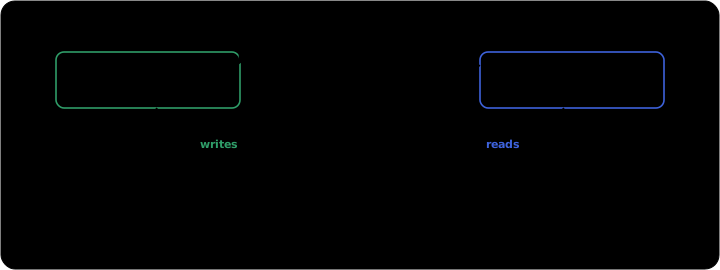
ArchRepo reads this straight from your data mappings: source and lookup entities count as reads, target entities as writes. The data set itself is never built — the dependency contracts through the entity, from each reader to whoever writes it.
Building Something vs Waiting to Test It
Not every relationship delays a start. ArchRepo distinguishes what a component consumes from what it produces:
| Kind | Examples | Effect on the schedule |
|---|---|---|
| Consumes | uses an API · reads an entity | A contract it builds against — can gate when it may start, and gates its integration test. |
| Produces | contains a UI · writes an entity | It creates these, so they never block its start — but its integration test still waits for them to be ready. |
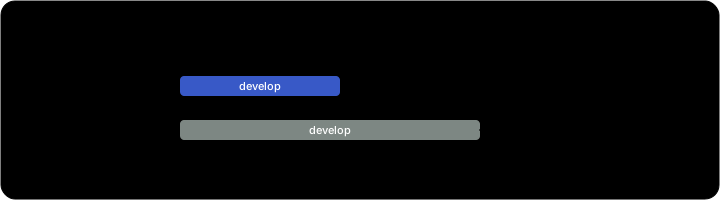
The Checkout App and the Payment UI it contains both start on day 0. The App’s integration test waits for the UI to be ready — but the UI, being something the App produces, never delays the App’s start.
What Counts as a Buildable Component
Included — the things that get built and tested: applications, UI components, APIs, services, streams, data flows, and reports.
Never scheduled — these carry no bar and appear nowhere on the plan:
| Excluded | Why |
|---|---|
| Data sets & data stores | The medium data travels through, not a build increment. Dependencies contract through them, reader to writer. |
| Environments | Infrastructure — provisioned and configured, not a develop-and-test increment. |
| Application patterns | A design-time abstraction of shared traits, reused to reduce design effort. The applications that follow a pattern are what get built. |
Cycles
If two components end up mutually depending on each other, they can only complete together. The Build tab flags a cycle so you can decide whether to break it — a cleaner sequence usually follows from resolving it.
In short: model what each component contains, uses, and the entities it reads and writes — and the build-and-test order falls out of it automatically. Keep your data mappings current and the plan stays honest.