Project Settings
Project Settings control optional project-wide behaviour — how Acceptance Criteria roll up, which integrations and AI features are switched on, and the default effort estimates used for T-Shirt sized tasks.
Project Settings are only visible to users with the Admin role in your organisation. If you don’t see a Project Settings tab, ask your organisation admin to make the change for you.
Opening Project Settings
- From your organisation’s project list, click the pencil (edit) icon next to the project you want to configure.
- On the Edit Project page, select the Project Settings tab, next to Project Details.
Feature Toggles
| Setting | What it does | Default |
|---|---|---|
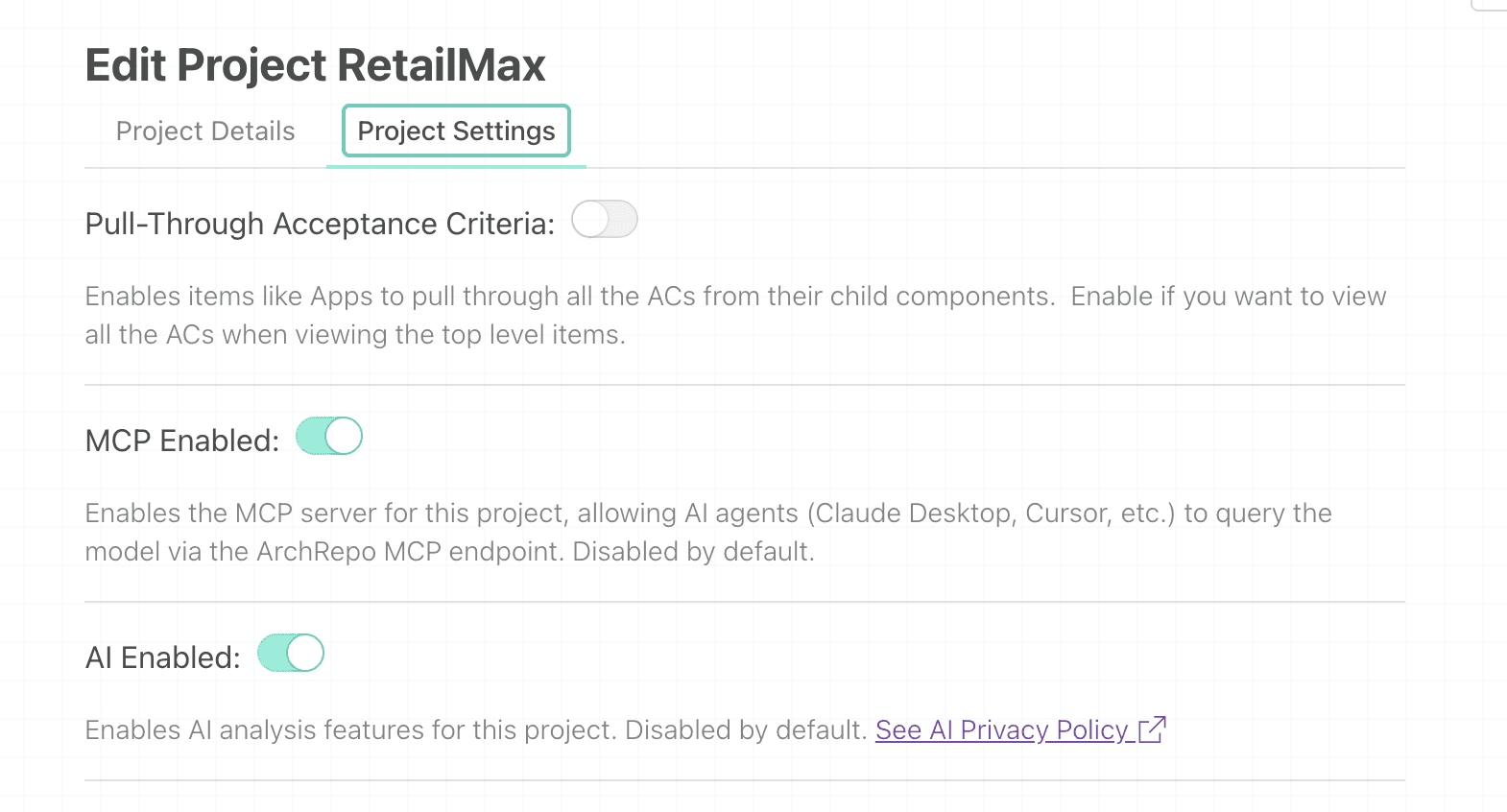
| Pull-Through Acceptance Criteria | Lets container items — such as Apps — pull through all the Acceptance Criteria from their child components, so the full set of ACs is visible when viewing the top-level item. | Off |
| MCP Enabled | Turns on the MCP server for this project, so AI agents such as Claude Desktop or Cursor can query the model directly. | Off |
| AI Enabled | Turns on ArchRepo’s AI analysis features for this project. | Off |
Both MCP Enabled and AI Enabled are off by default for every project. An admin has to switch them on before anyone can use AI agent access or AI analysis features. See the AI Privacy Policy, linked next to the AI Enabled toggle, for details on how your data is used.
T-Shirt Size Durations
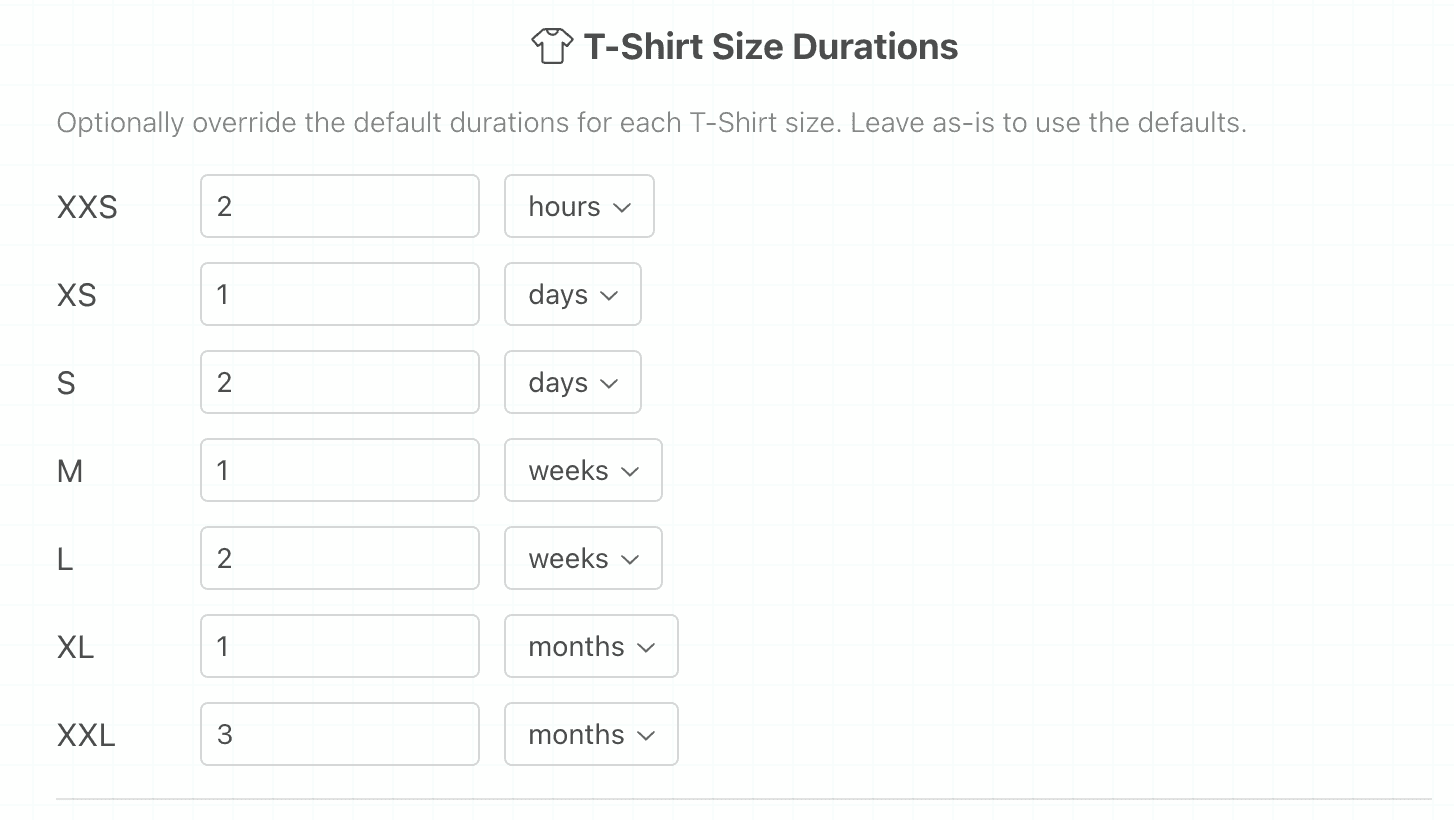
Tasks in ArchRepo can be estimated using T-Shirt sizes — XXS through XXL — instead of exact durations. Each size maps to a default duration, for example, an M task defaults to 1 week.
Use this section to override the default duration for one or more sizes, for this project only. Enter a number and choose a unit — hours, days, weeks, or months. Leave a size as-is to keep using the system default.
| Size | Default duration |
|---|---|
| XXS | 2 hours |
| XS | 1 day |
| S | 2 days |
| M | 1 week |
| L | 2 weeks |
| XL | 1 month |
| XXL | 3 months |
Overrides apply only to this project. Other projects keep using the system defaults unless they set their own overrides.
Saving Changes
Click Save Settings at the bottom of the page to apply your changes. Feature toggles and T-Shirt Size Duration overrides are saved together in a single action.