Readiness Score
The Readiness Score provides a quick visual guide to how complete a specification may be.
The Readiness Score examines many parameters, but it is just a guide. It does not assess if the content is fit-for-purpose.
The Readiness Score appears under the item’s properties when in Edit Mode.
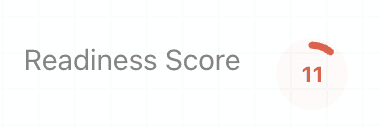
It is also shown against items in the Action Tracker.
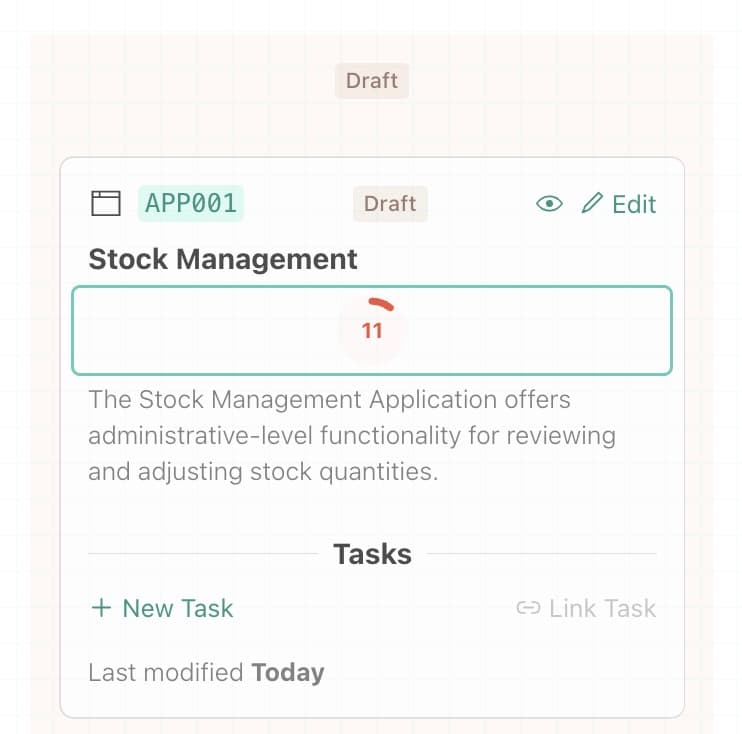
The score is shown as a percentage.
Gaining a score of 100% may not be possible or even desirable. Use this number as a guide to how complete something is. You will still need to review the item for accuracy and make a judgement call before approving.
Viewing the score breakdown
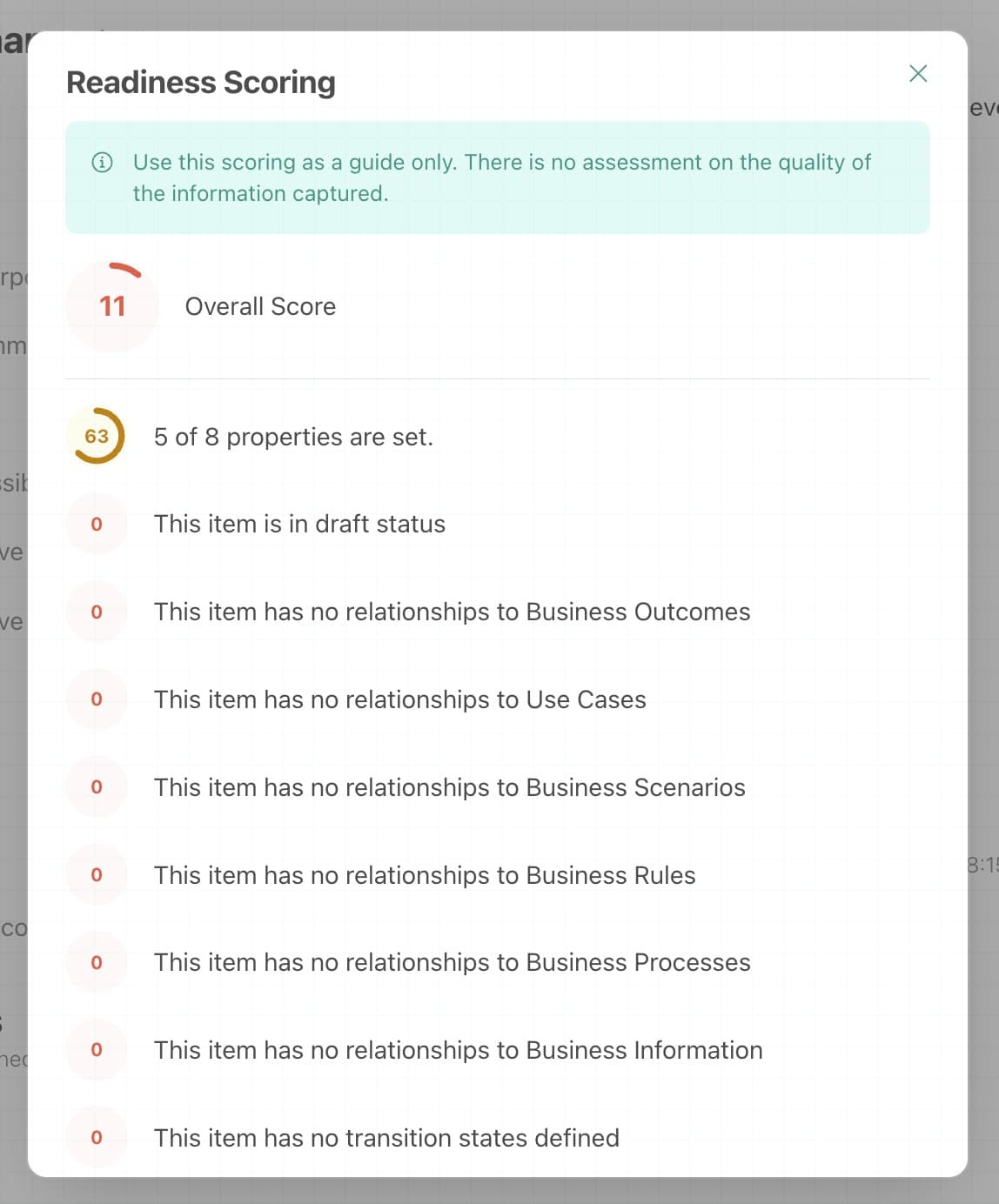
If you click on the Readiness Score, a pop-up appears with a breakdown.
This will help you key in on specific areas.
Last updated on